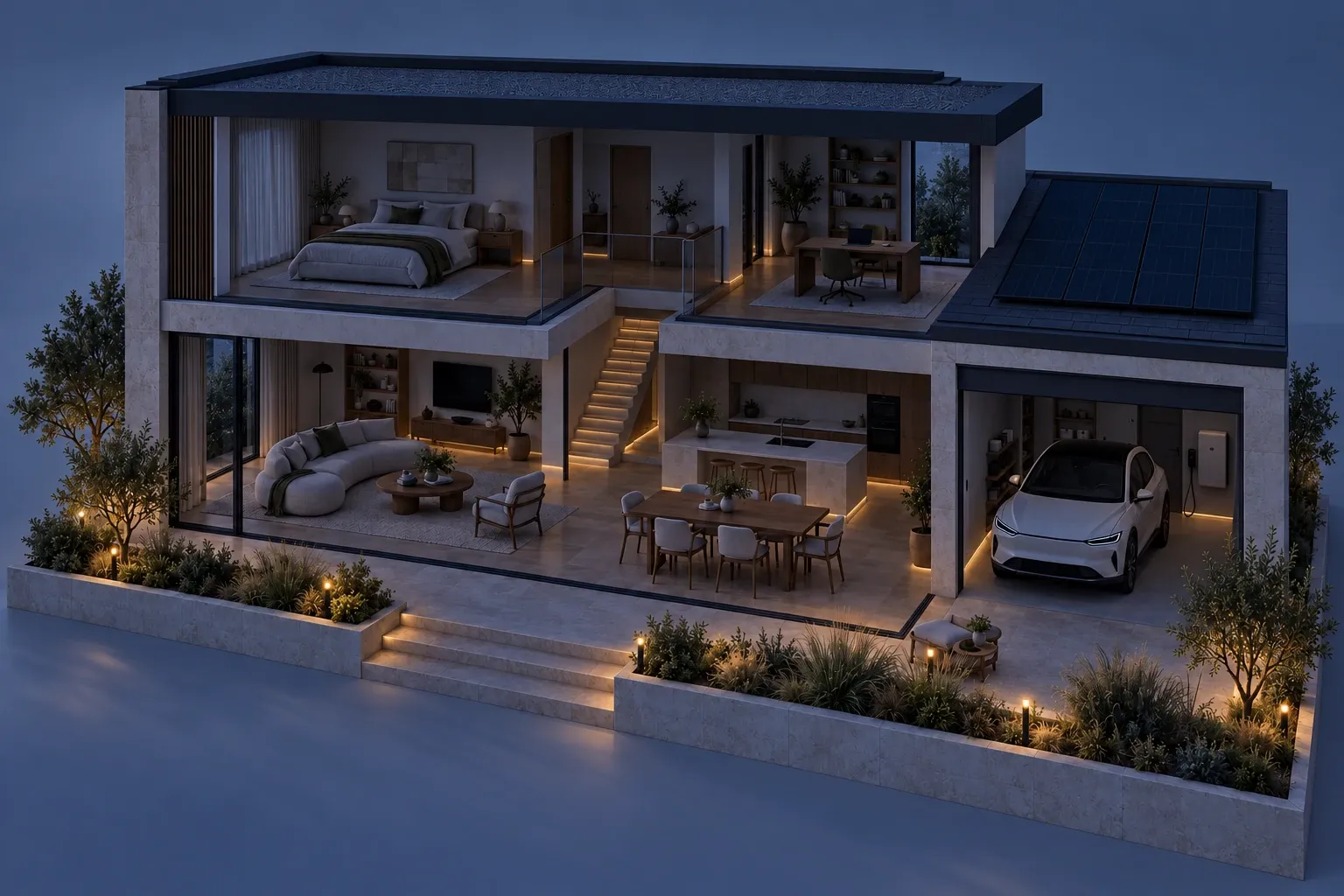

07:30 At your pace
Morning light. No rush.
Curtains open with your alarm. The bathroom is already warm. Daylight does the rest.
- CurtainsOpen with your routine
- ComfortChill already gone
- LightingDaylight does the work
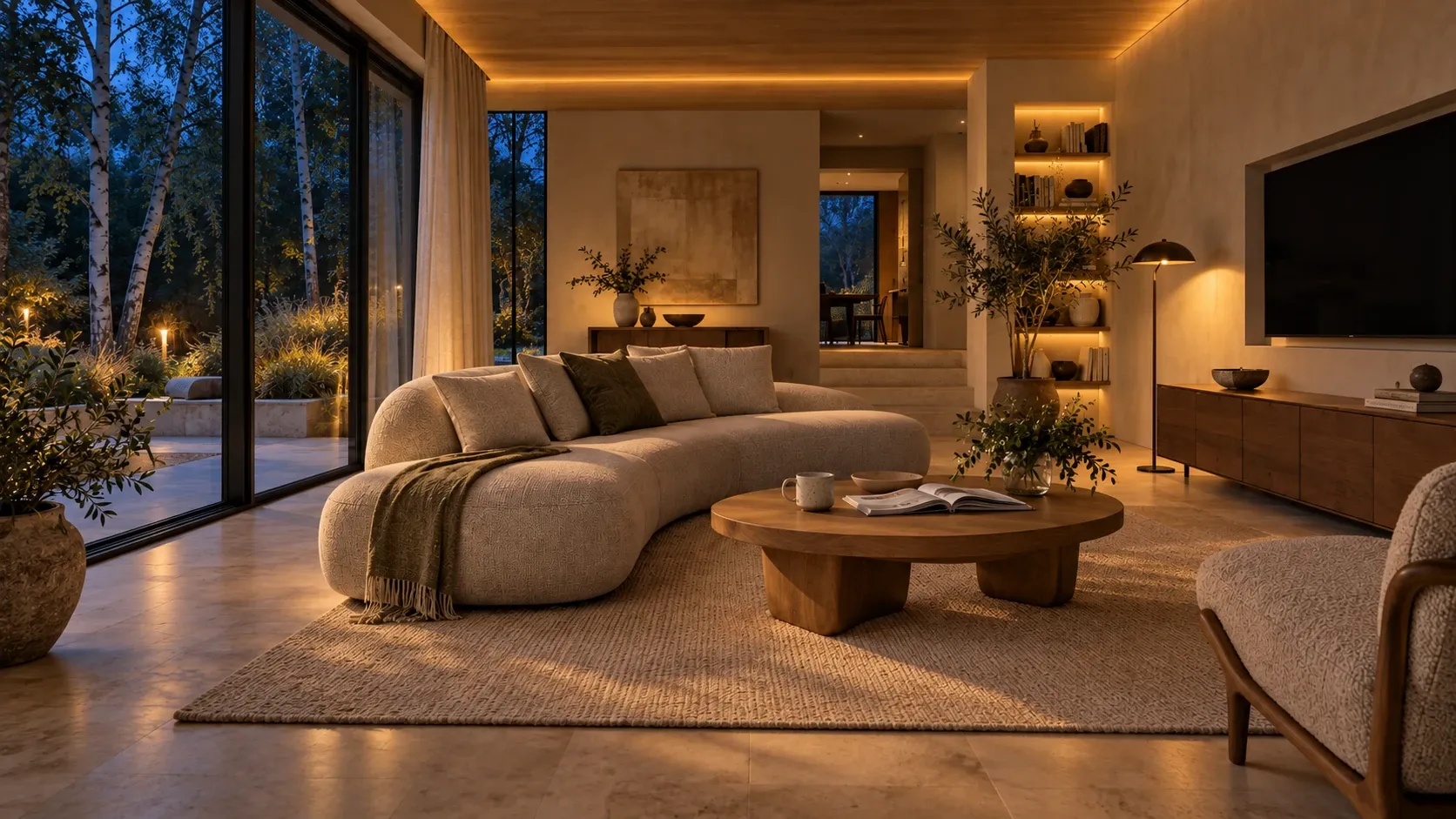
Engineered home automation
Light, climate, security and energy designed as one system. The blinds beat the heat, a leak is stopped early, and your evening is ready before you are — with or without the internet.
01 / One system, not a set of gadgets
Every function shares the same cabling, network and local controller. That is why a single “goodnight” can close curtains, set the heating, arm the perimeter and dim the hallway — in one coordinated move.
Bright enough to cook, warm enough to unwind, a gentle path at night.
DALI-2 · presence · daylightEach room at its own temperature. Heating pauses when a window opens.
Per-room control · ventilation · CO₂Blinds follow the sun before the room gets hot.
Sun tracking · wind protectionLeak, fire and intrusion — the house acts first, then tells you.
Shut-off valves · alarm panelGuest codes that expire. A door check from the sofa.
Intercom · gate · garageMusic in the kitchen, silence upstairs. A room built for film.
Multiroom zones · acousticsSunshine goes where it is worth the most — home, battery, then car.
PV · storage · 11 kW EVVoice and camera analysis that stay inside your walls.
On-site AI · < 300 ms response02 / The whole home, working together
Pick a routine and watch every room take its part. One button, one logic — the same controller drives the light, heat, shading, security and energy.
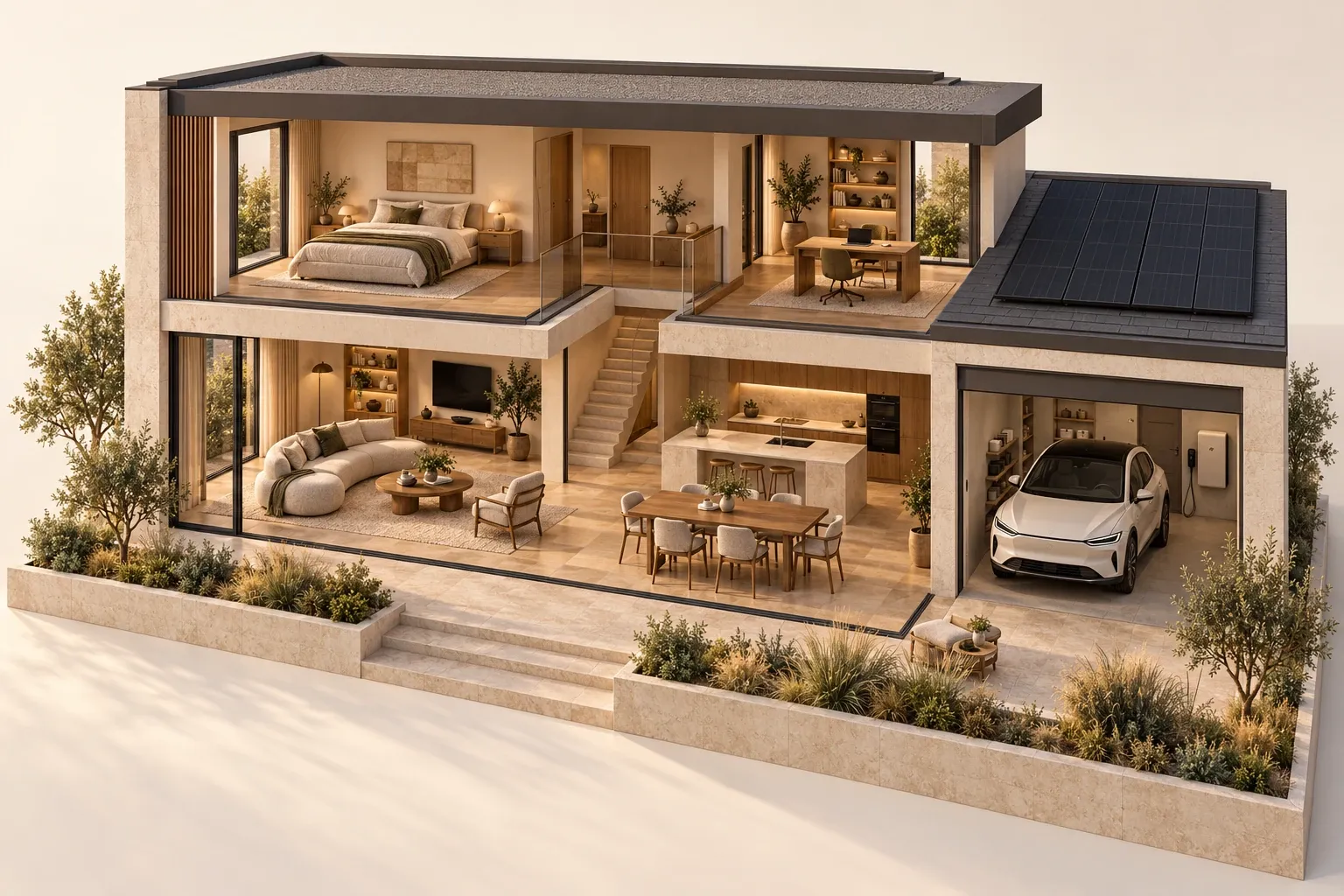
03 / A day at home
07:30 At your pace
Curtains open with your alarm. The bathroom is already warm. Daylight does the rest.
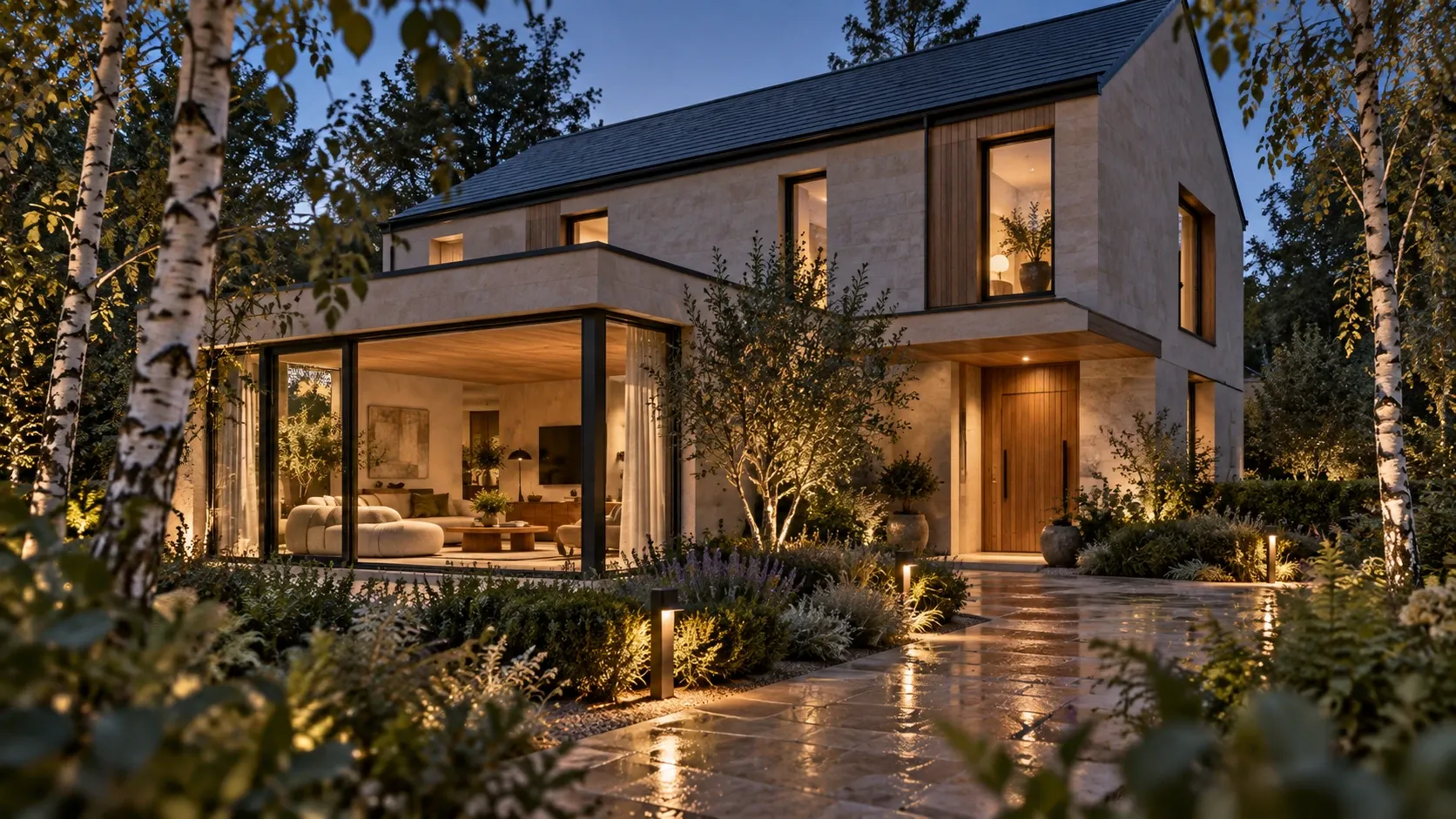
08:30 Out enjoying life
One goodbye button brings every check together — lights, sockets, doors, heating.
18:30 Your evening
Walk in, put your bag down. Soft light, the right warmth and your playlist are already on.
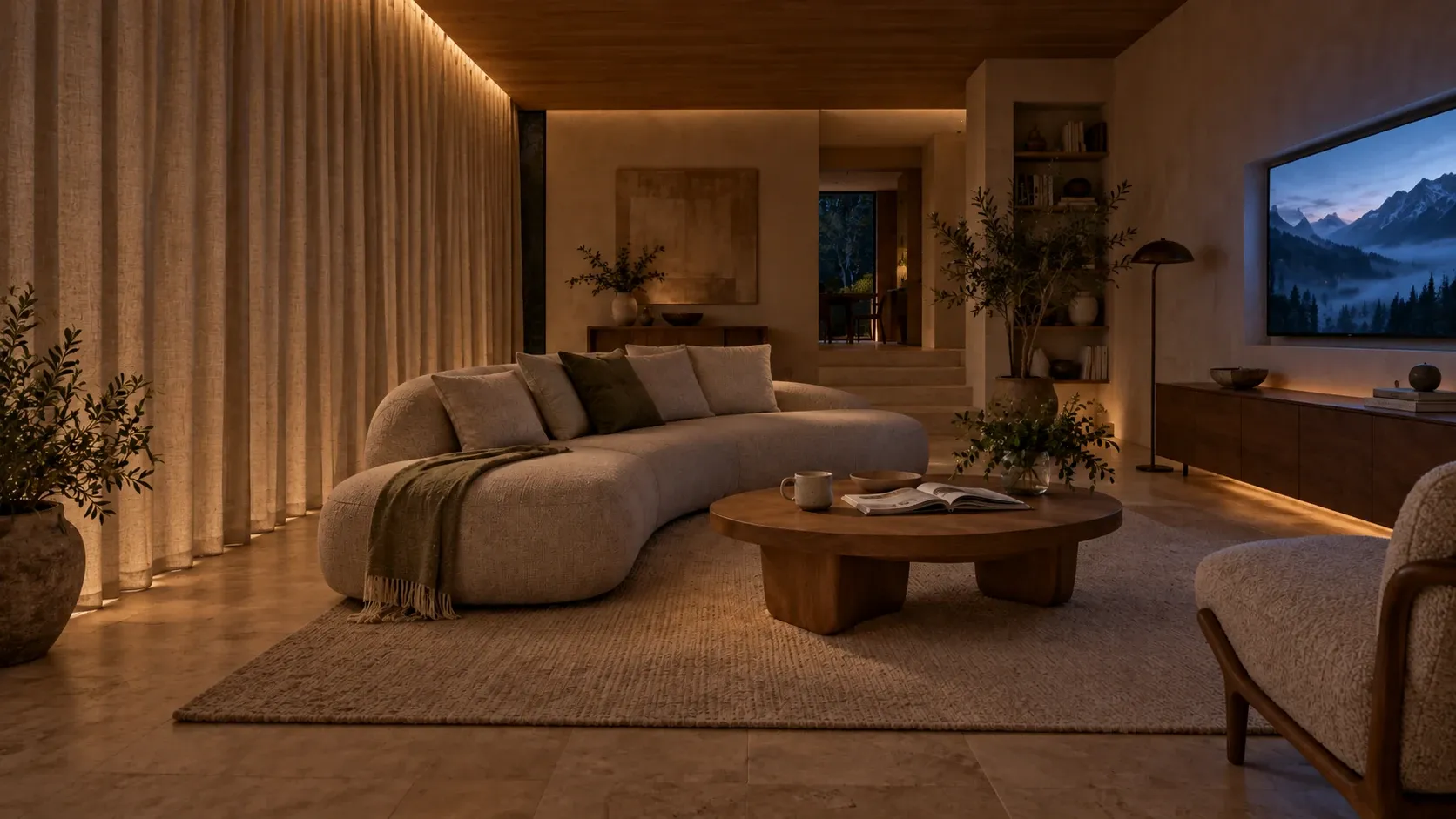
21:00 Time to switch off
One scene closes the curtains, dims the room and wakes the screen and sound.
04 / Built for bad days
The difference between gadgets and an engineered home shows up on bad days. Pick a situation and see what keeps running.
All six levels online. Remote access via VPN, notifications by push.
| Situation | A set of gadgets | An engineered system |
|---|---|---|
| Internet goes down | Voice, scenes and remote control stop | Everything inside the house keeps working |
| Power cut | Devices reboot, some lose pairing | Battery carries priority circuits |
| Five years later | The vendor dropped the product line | Open standards; parts from many makers fit |
| Something breaks | Nobody knows how it was connected | As-built drawings, labelled cables, backups |
05 / Peace of mind
Local camera analysis knows a fox from a visitor. A valve closes before a drip becomes a flood. You get one useful message — not a hundred.
Under the kitchen sink. Check in when you are ready.
A sensor under the sink detects water.
A motorised valve shuts automatically.
Where it happened. What was already done.
06 / Energy that makes sense
Home first, then the battery, then the car. When the grid fails, essentials carry on. Move through the day and watch the energy manager decide.
Solar covers the home, stores energy for later and gives the remaining surplus to your car.
Example power flows, not a bill forecast. Battery charge is assumed available.
07 / How we work
Lovely on day one, serviceable in year ten. Labelled cables, tested cabinets, configuration backups and as-built drawings are part of the delivery, not an extra.
We discuss how you live and what is worth doing.
Brief & budget rangeArchitecture, protocols, loads, cable routes, backup concept.
Concept & single-line diagramEvery keypad, sensor and speaker positioned with your architect.
Drawing set & cable scheduleCabinets built, labelled and tested in the workshop.
Factory acceptance testCabling and devices installed, photographed before walls close.
Cable test report & photosLogic, scenes and interfaces, mostly prepared off-site.
Configuration & backupEvery function tested — including no internet, no grid, no server.
Commissioning protocolScenes tuned to your real routines over the first weeks.
User guide & as-built setMonitoring, updates and on-site service for years to come.
Service agreement08 / Your home, your kind of smart
Save the ideas you like. We'll turn them into a short brief you can download and discuss with an installer. No sign-up, nothing is sent.
Bright enough to cook. Warm enough to unwind. A gentle glow for a night-time trip downstairs.
Dimming · daylight response · night pathsKeep a bedroom cooler than the bathroom. Pause heating when a window opens.
Heating · cooling · fresh air · air qualityBlinds follow the sun before the room gets too hot.
Curtains · blinds · solar shading“Make the light warmer.” “Turn off upstairs.” Ask for the result, not the menu.
Natural commands · local speech recognitionA sensor detects water, a valve closes the supply, one message explains.
Leak detection · shut-off valvesSee a person at the gate without being interrupted by every branch.
Intrusion · local cameras · event filteringA temporary code for your guest. One approach to door, gate and garage.
Video intercom · guest codes · gatesSpot an unusual overnight load before the next bill does.
Metering · history · anomaly alertsCoordinate solar, hot water, battery and demand without micromanaging.
Solar priorities · tariff-aware schedulesLights, network and security stay on in a power cut.
Backup circuits · batteries · UPSUse spare solar or the cheapest tariff. Back off when the oven needs power.
Solar charging · dynamic load limitsShare a playlist between kitchen and terrace; leave the bedroom silent.
Independent zones · discreet speakersScreen, sound, shades and lighting brought together in one scene.
Living-room scenes · dedicated cinemaAgree rooms, controls and routines before installation.
Coordinated drawings · clear scopeLabelled, tested cabinets with space for what you add later.
Power & control cabinets · spare capacityReliable connections where they matter, switching independent of any server.
Local controls · open standardsAdd sensors and room controls without rebuilding every room.
Renovation · selected wireless additionsCoverage for desk, sofa and garden; guests and devices kept separate.
Wi-Fi · wired backbone · VLANsVoice, camera events and routines processed locally.
Local AI hardware · offline-capableSee what matters while away, through a properly secured connection.
VPN · selected notificationsDrawings, backups and an agreed plan for updates and support.
Documentation · diagnostics · serviceGood questions
No. Familiar wall switches, a bedside button or automatic routines handle everyday things. A phone is useful for checking in, but it should never be the only way to turn on a light.
Not at all. Selected wireless sensors, smart heating controls and lighting upgrades suit a finished home. An installer should check your existing wiring first.
A system designed for local control keeps switches, scenes, cameras and alarms working. Remote access and streaming wait for the connection to return.
Yes. A leaving-home button, leak protection or a better bedtime routine are good first steps — as long as the cabling leaves room to grow.
That depends on your rooms, existing equipment and the routines you choose. Start with outcomes, then ask for a proposal covering equipment, installation, setup and support.